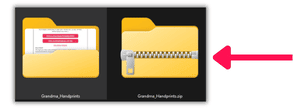
IMPORTANT: If you do not extract ZIP files before trying to use, open, or print the files, then you’ll likely get ‘read-only’ issues and other technical problems.
- ZIP files end with .zip on the end. They usually look different from regular folder files, like this on Windows:
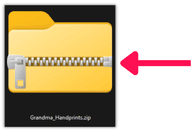
- To extract the .zip file, find the file in your downloaded location (usually using something like File Explorer)
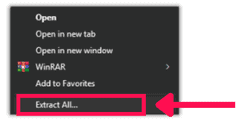
- Right-click the file > Extract all… (if on Mac double-left click should extract by default)
- Leave the pop-up settings as default and click Extract
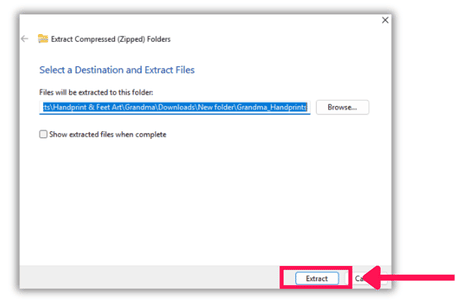
- A new folder will be created with all the files extracted. You can open this folder and use the files as normal.